
Record or Upload
Record your solves from POV or tripod angles, or upload existing videos. Capture every move for detailed analysis with automatic timer integration.
CuberPal puts a WCA-style timer, camera cube solver, and AI solve coaching in one speedcubing app. Record a solve, then review phase-by-phase feedback for Cross, F2L, OLL, and PLL while you practice CFOP on iOS or Android.
Follow CuberPal guides on Google
An animated Rubik's Cube scrambling and solving itself while a speedcubing timer runs.
R U R' U R U2 R'R U R' U' R' F R2 U' R' U' R U R' F'R U R' U'R U R' F' R U R' U' R' F R2 U' R'R U2 R' U' R U' R'R U' R U R U R U' R' U' R2R' F R F'M2 U M2 U2 M2 U M2F R U' R' U' R U R' F' R U R' U' R' F R F'M' U M2 U M2 U M' U2 M2R U R' U R U2 R'Cubey is your personal speedcubing companion. Using advanced AI vision, Cubey watches your solves and provides real-time feedback to help you improve faster than ever.
AI vision tracks your finger tricks and rotations
Get feedback tailored to your skill level
See your improvement over time with detailed stats
From recording or uploading your solves to getting AI-powered feedback, CuberPal has all the tools you need to become a faster solver.
Record your solves from POV or tripod angles, or upload existing videos. Capture every move for detailed analysis with automatic timer integration.
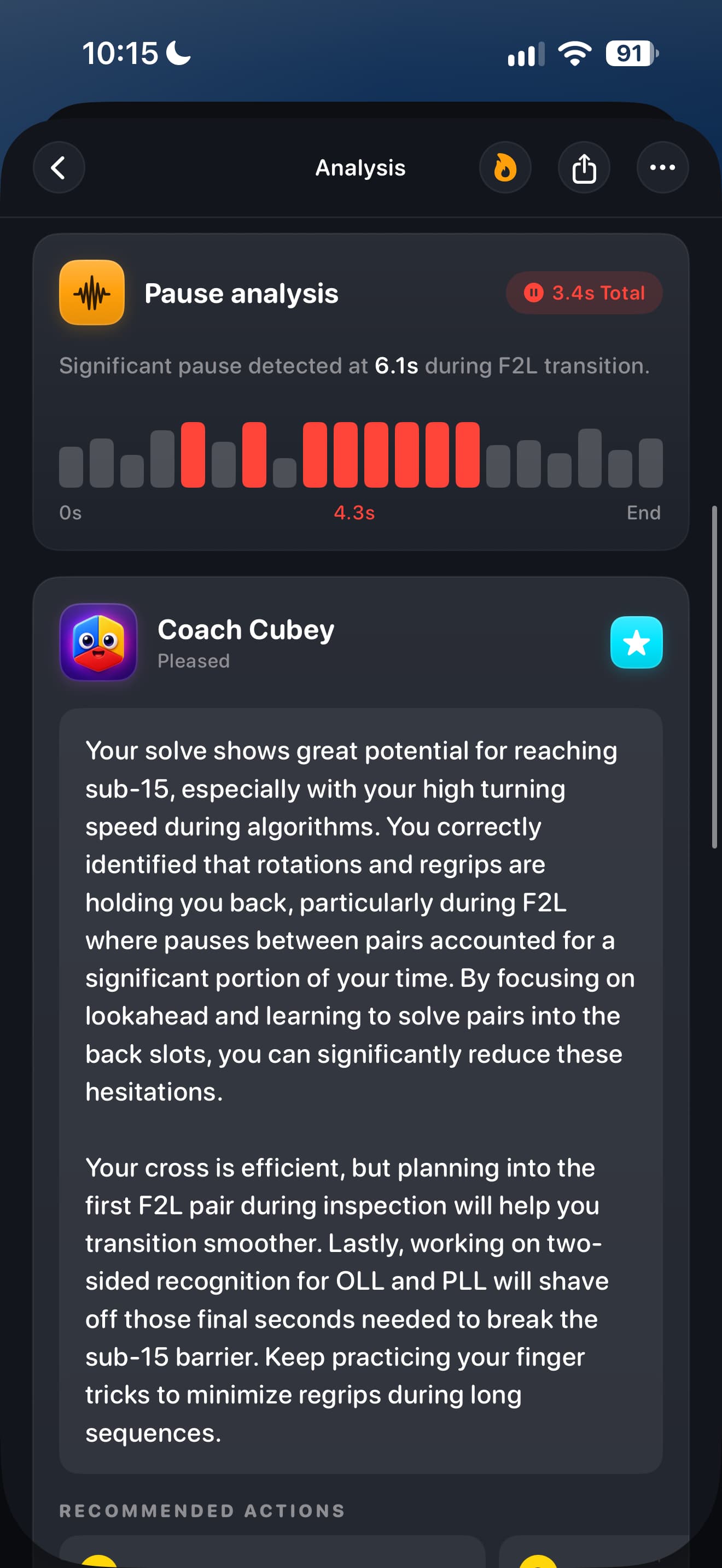
Get instant feedback on Cross, F2L, OLL, and PLL. Our AI identifies inefficiencies and suggests improvements for each phase.
Structured curriculum from first solve to advanced CFOP, plus a Roux overview, with interactive 3D visualizations across 90 lessons.
Never forget an algorithm again. Smart scheduling adapts to your memory for optimal retention.
Track ao5, ao12, ao100, and personal bests. Visualize your progress with detailed charts.
Scan each face with your camera and get a step-by-step solution with real-time color recognition.
Browse F2L, OLL, PLL, COLL, all 7 ZBLL subsets (460+ cases), and Roux CMLL with interactive 3D previews and one-tap copying.
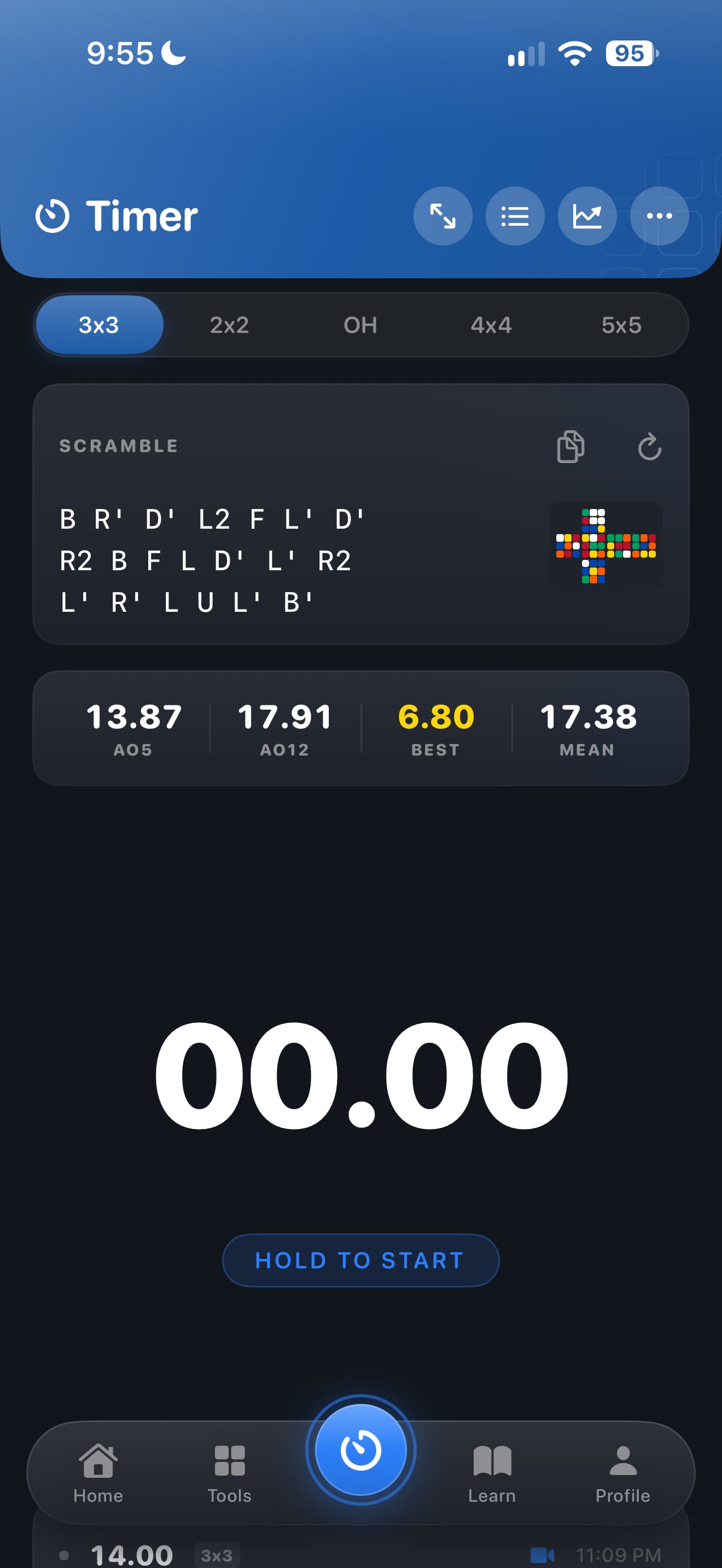
Competition-ready timing with inspection countdown and proper scramble sequences.
Access all your past solves organized by session. Review your journey and track trends.
Pair a supported Bluetooth smart cube (GoCube, Rubik's Connected, or the original GAN 356 i) to see your move timeline, TPS, and pauses without recording video.
Curious about Roux? Learn how blocks, CMLL, and LSE fit together, then study a Roux CMLL starter set right next to your CFOP algorithms.
Solve the same 3x3 scramble as everyone else each day and see where you rank on an anonymized leaderboard.
Earn XP, level up, and collect badges as you improve. Stay motivated with solving streaks and achievements.
Getting started with CuberPal is simple. Record, analyze, and improve in four easy steps.
Simply point your phone camera at your cube and start solving, or upload an existing video. Our app captures every move in crisp detail.
Our advanced AI watches your solve frame-by-frame, identifying each phase and tracking your finger movements.

Receive specific, actionable tips tailored to your skill level. Cubey knows exactly what to work on next.
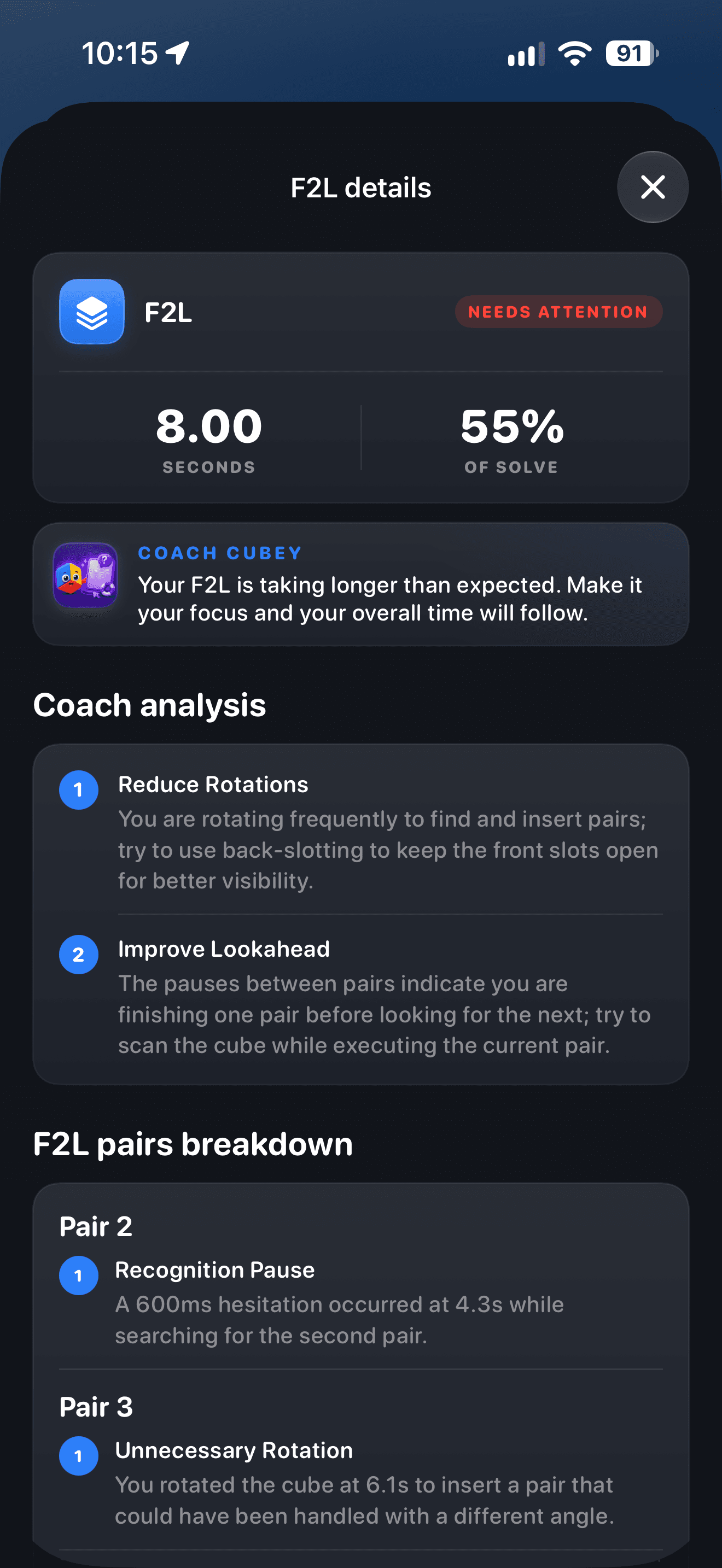
Your AI coach gives you personalized feedback with actionable tips and technique recommendations to level up your game.
Use your solve history and phase data to set a clear, realistic target for your next breakthrough.

Chat with Cubey for speedcubing guidance shaped by the patterns in your recent practice.

Set the speedcubing goal that matters next, then keep your practice pointed at its milestones.

Run focused algorithm drills that help difficult and rarely seen cases stay ready for your next solve.

Explore the redesigned iOS app, from timing and analysis to practice, learning, and camera solving.
See phase timings, coaching, achievements, and focused improvement advice.
Swipe or scroll to explore


Set a goal, ask Cubey, and work through focused algorithm practice.
Swipe or scroll to explore


Time solves, track your forecast and stats, and celebrate milestones.
Swipe or scroll to explore


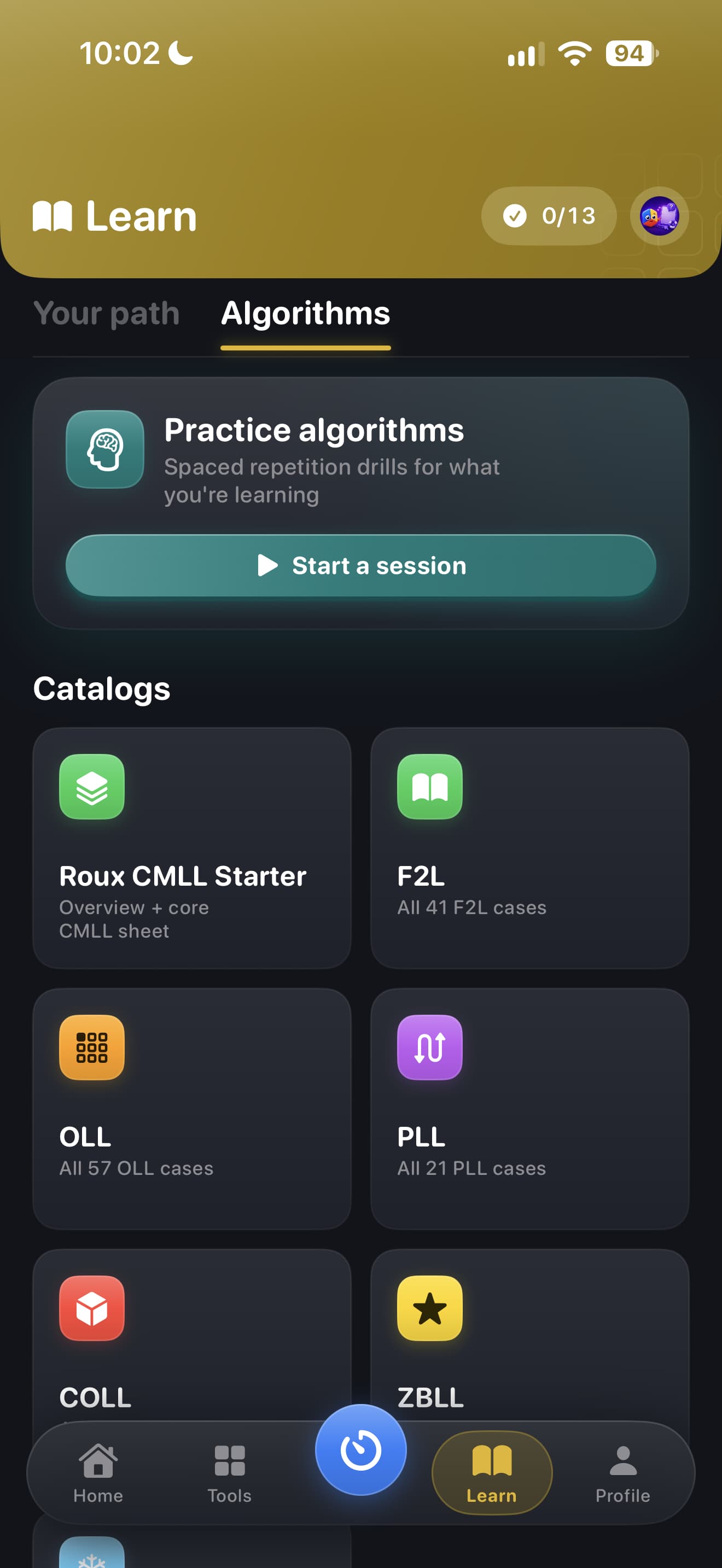
Follow a learning path and explore algorithm catalogs for the cases you want to master.
Swipe or scroll to explore


Start the camera flow to scan, check, and solve a scrambled cube.
Swipe or scroll to explore


Structured curriculum from first solve to advanced CFOP, with a Roux overview for method explorers. Interactive 3D cube visualizations and progress tracking across 90 lessons.
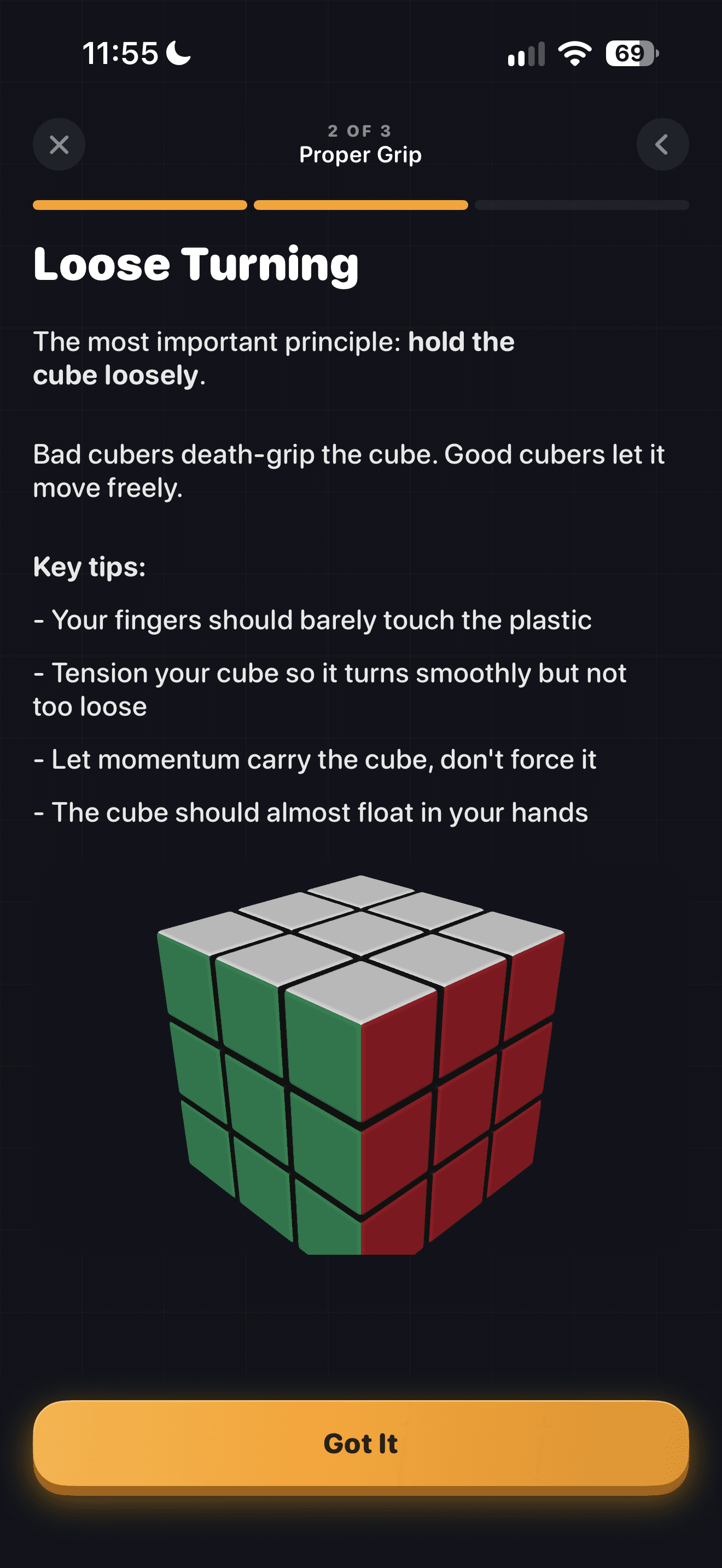
Stuck on a scramble? Point your camera at each face for a step-by-step solution.

Advanced computer vision identifies each sticker color automatically.
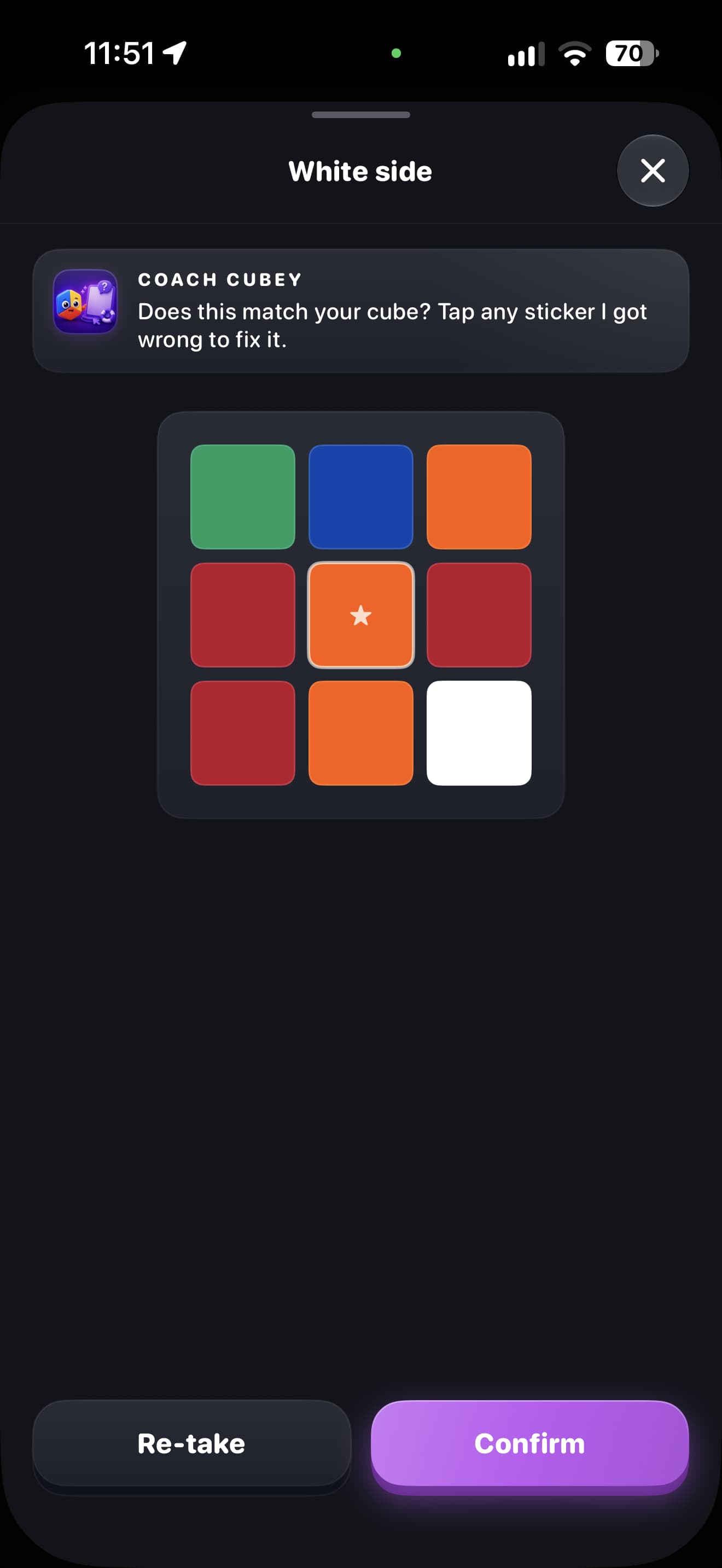
Browse every algorithm you need with interactive 3D previews, standard notation, and one-tap copying — F2L, OLL, PLL, COLL, every ZBLL subset (T, U, L, H, Pi, Sune, and Antisune), plus a Roux CMLL starter set.
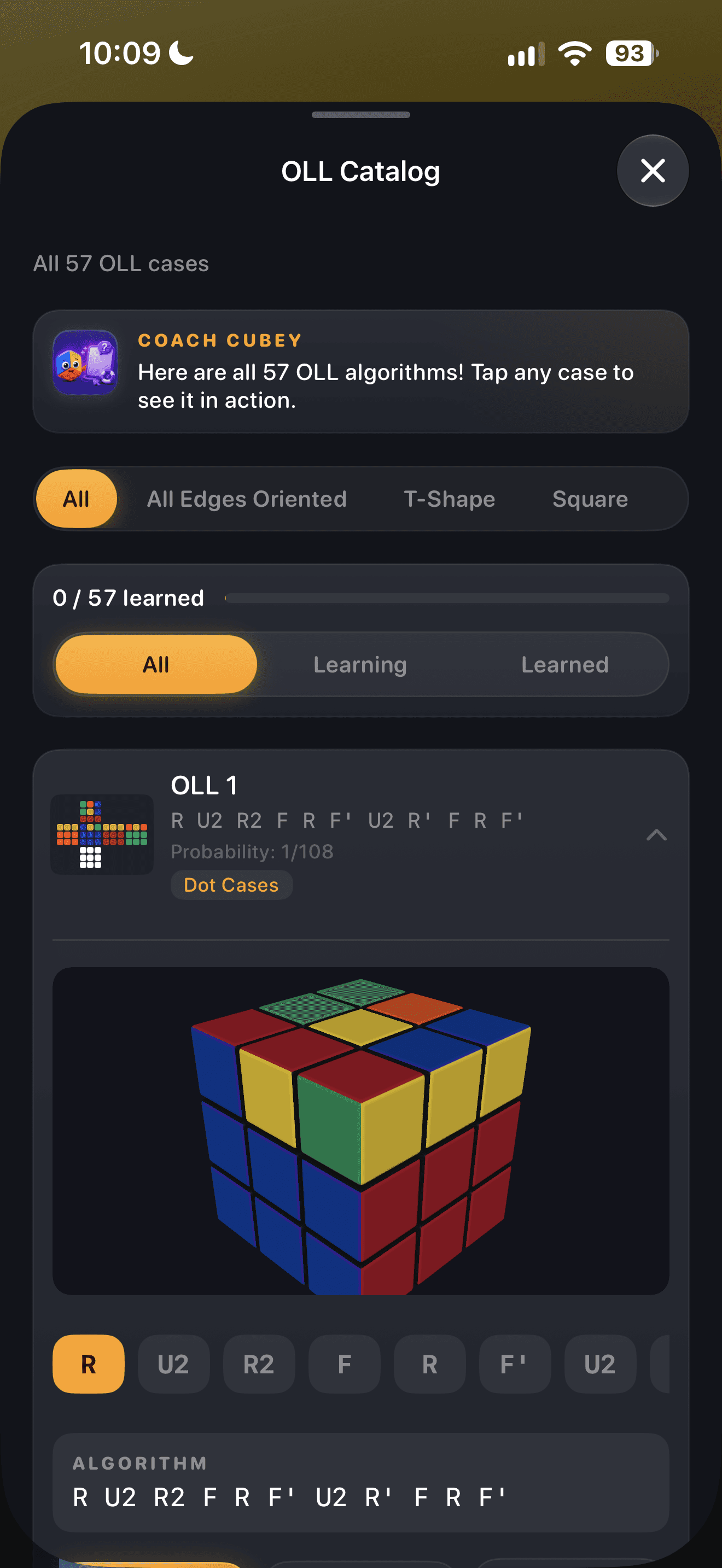
57 cases
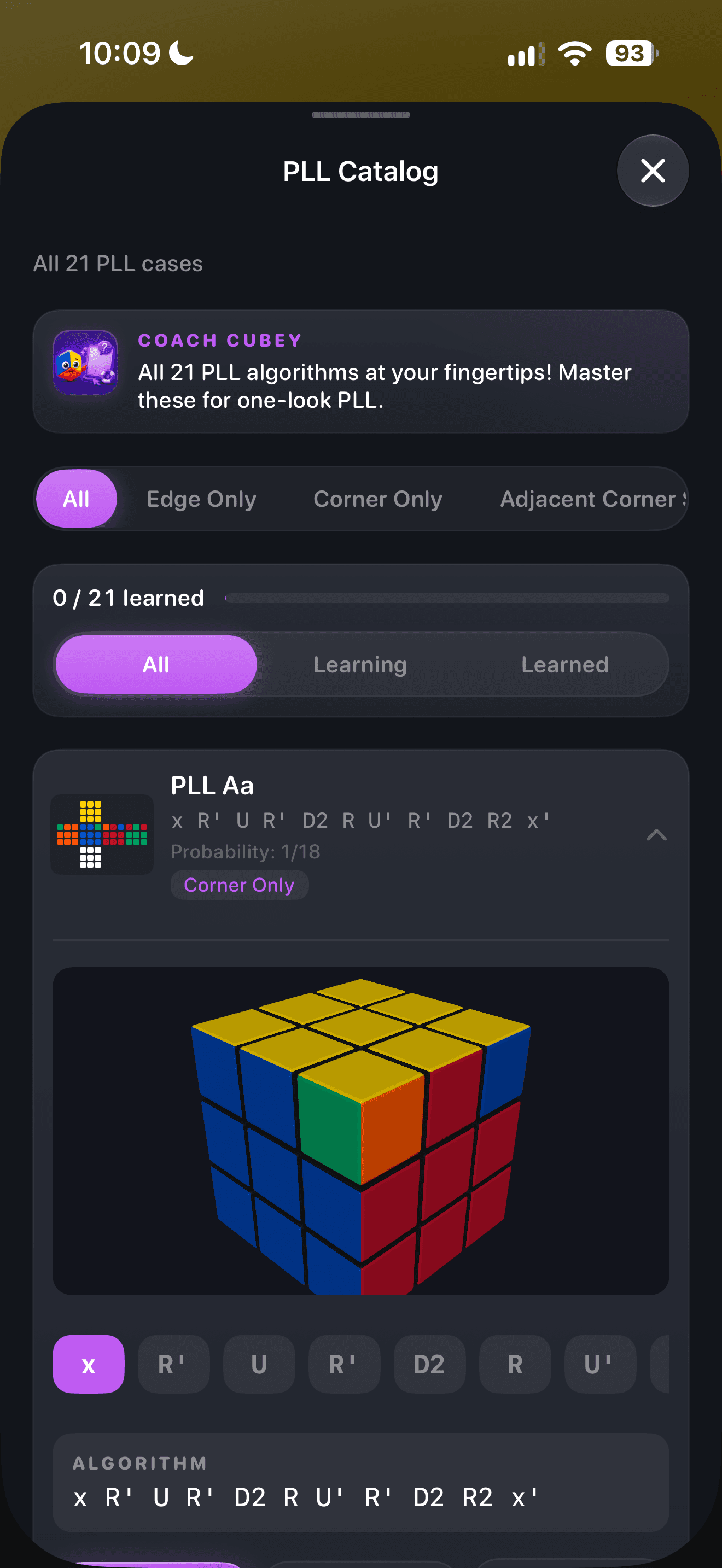
21 algorithms
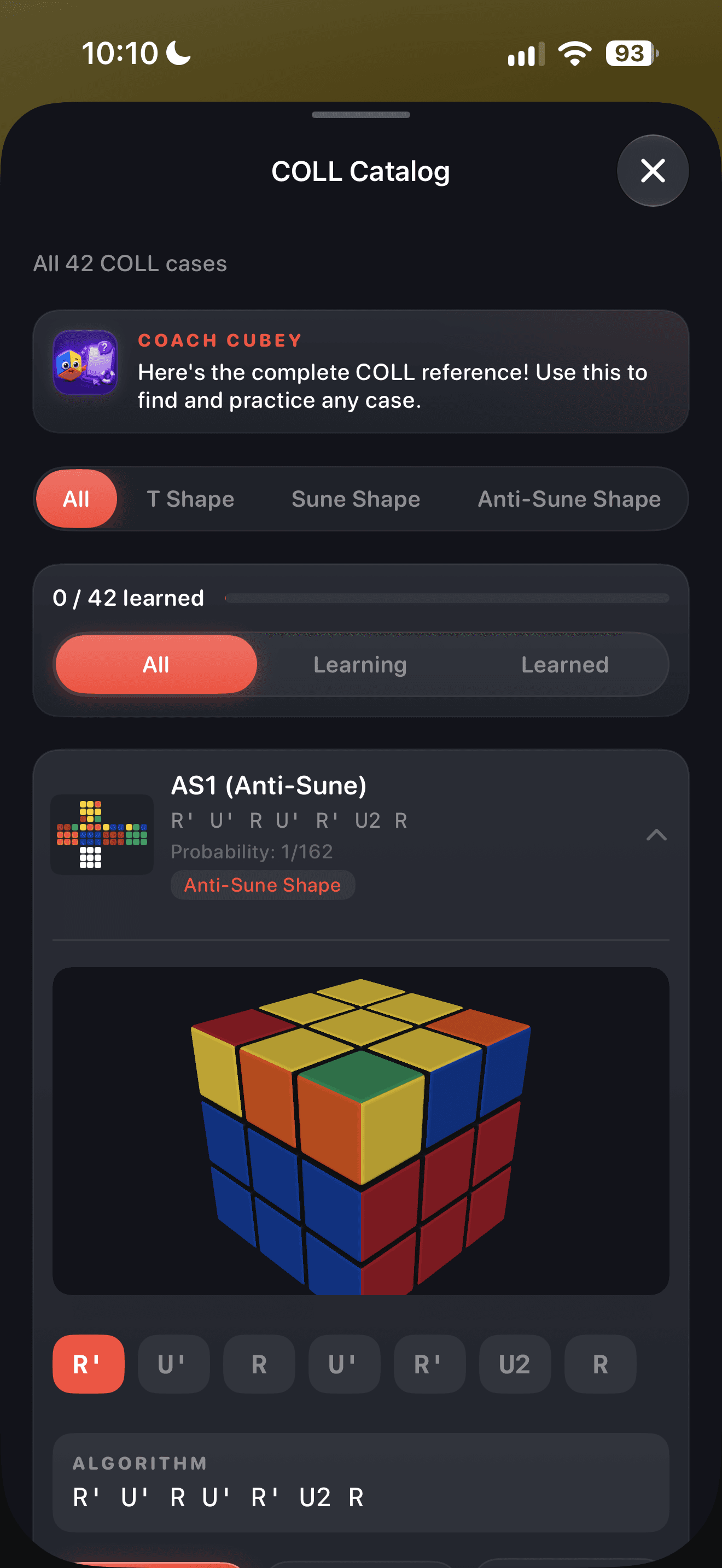
42 cases
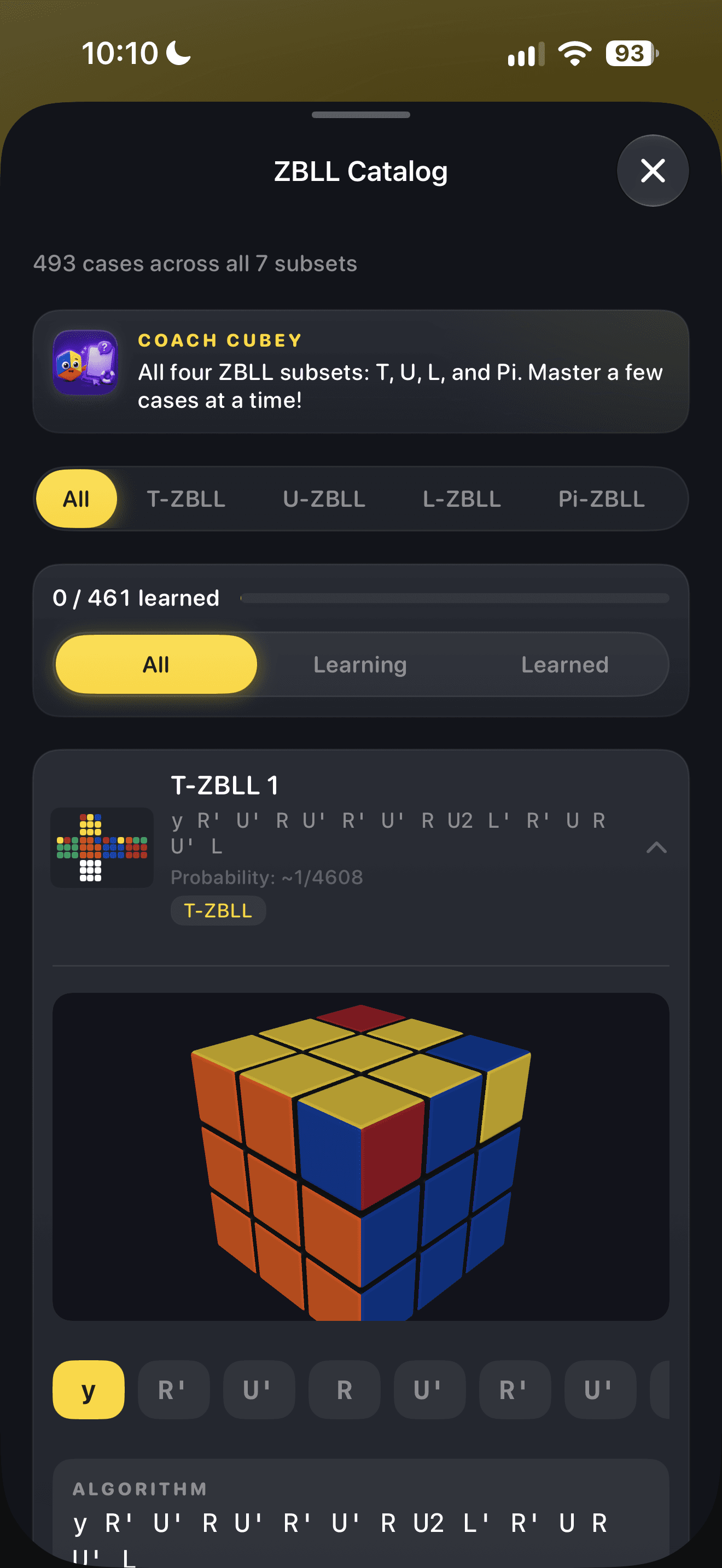
460+ cases · all 7 subsets
Choose the subscription cadence that fits your practice.
Paid subscription billed weekly or yearly.
Save about 86% vs weekly
Starts with a 7-day free trial
Paid subscription billed weekly or yearly.
All prices in USD. Cancel anytime. Subscriptions managed through the App Store or Google Play.
No download needed: an online Rubik's Cube timer with WCA inspection, a 2x2 to 5x5 scramble generator, an ao5 and ao12 calculator, and a TPS calculator. They run in your browser, free, with no account.
How to get faster, learn CFOP, master algorithms, and train lookahead — free, practical guides paired with the app features that make them stick.
Guides and blog posts for every major speedcubing topic: beginner solving, CFOP, F2L, OLL, PLL, ZBLL, notation, solve splits, WCA competition, 2x2, timers, cube solvers, and deliberate practice.
How to Get Faster at Cubing
Stuck at the same Rubik's Cube times? Learn exactly how to get faster at cubing: find where you lose time, fix F2L pauses, and train with AI solve analysis.
How to Learn the CFOP Method
A practical CFOP roadmap from a reliable beginner solve to Cross, intuitive F2L, two-look last layer, full PLL, and full OLL.
How to Learn F2L: A Beginner's Tutorial
A beginner F2L tutorial: the goal of F2L, the two basic inserts, how to handle stuck pieces, and a two-week practice plan before adding algorithms.
Rubik's Cube Notation: The Complete Move Chart
A complete Rubik's Cube notation chart: face turns, prime and double turns, wide and slice moves, x, y, z rotations, and how to read algorithms.
CFOP Solve Splits by Speed
Phase timing targets that turn a vague plateau into a concrete practice plan.
How to Practice Speedcubing
A repeatable practice routine for cubers who want improvement, not just more solves.
Everything cubers ask about getting faster, learning algorithms, and how CuberPal helps. Each answer links to a full guide.
Find where your time actually goes instead of practicing blindly. Most solvers lose the majority of their solve to F2L pauses, not slow turning. CuberPal's AI analysis breaks every solve into Cross, F2L, OLL, and PLL timings and flags your slowest phase, so you always know exactly what to train next.
Learn how to get faster at cubingRecord a solve with your camera (POV or tripod) or upload an existing video. The AI watches the footage, splits it into CFOP phases with precise timings, analyzes each F2L pair for pauses, rotations, and bad inserts, and gives specific feedback with confidence scores.
See how analysis finds your weak spotsFour things: a cross planned in inspection, F2L with no pauses between pairs, full PLL, and at least 2-look OLL. You don't need ZBLL or faster hands. CuberPal measures each of these from your solves and tells you which one is holding you back.
Read the full sub-20 checklistSlow solves: turn at 50–70% speed and never stop moving, forcing your eyes to find the next pair while your hands insert the current one. CuberPal's F2L analysis detects every pause down to the half-second — so you can see exactly which pair transitions break your flow, then confirm they're gone a week later.
Master F2L lookaheadCross and intuitive F2L first, then 2-look OLL and 2-look PLL (about 16 algorithms), then full PLL, and full OLL last. CuberPal's learning modules follow exactly this roadmap with structured lessons for every step — plus a Beginner Method course if you're not solving yet.
Follow the CFOP roadmapNew algorithms decay fast — learn five PLLs on Monday and two are gone by Friday. Spaced repetition schedules each algorithm's review right before you'd forget it, so rare cases stay sharp regardless of scramble luck. CuberPal drills OLL, PLL, COLL, and ZBLL daily, weighted toward the cases you fumble.
Learn full PLL without forgetting itComplete catalogues for F2L (41 cases), OLL (57), PLL (21), COLL (42), every ZBLL subset (460+ cases across T, U, L, H, Pi, Sune, and Antisune), and a Roux CMLL starter set — each with 3D cube previews, tap-through playback, alternative algorithms, and mark-as-learned progress tracking.
See how to tackle ZBLLYes. The camera cube solver guides you through scanning all six faces, verifies colors with a tap-to-fix picker, and generates a step-by-step solution for any valid 3x3 state. Perfect when you're stuck — and paired with lessons so you eventually won't need it.
How the cube solver worksYes. CuberPal is available on Google Play for Android phones and on the App Store for iPhone. The Android app includes the speedcubing timer, AI analysis of recorded 3x3 solves, a personalized practice plan, the learning roadmap, algorithm catalogues, and Ask Cubey. Sign in with the same Google account to use your CuberPal account on both platforms.
It's built like a competition timer: WCA-style inspection, hold-to-start, random scrambles with previews, and automatic ao5/ao12/ao100 — fully offline, with support for 3x3, 2x2, OH, 4x4, and 5x5, each with separate history and stats.
Compare cube timer featuresThey're trimmed averages — ao5 drops your best and worst of 5 solves and averages the rest, the same format used in WCA competitions. Cubers judge skill by averages, not lucky singles. CuberPal computes all of them live and charts your trends over time.
Understand cubing averagesThe browser tools on cuberpal.com are free with no account: an online cube timer, a scramble generator, an ao5/ao12 calculator, and a TPS calculator. Full access to the CuberPal app uses a paid subscription, and an introductory trial may be offered; the price shown at purchase applies.
Try the free toolsCuberPal offers paid subscriptions: Weekly for $6.99, Yearly for $49.99. Yearly includes a 7-day free trial and saves about 86% compared with fifty-two weekly payments.
See pricingYes — the timer, scramble generator, and statistics work completely offline, with solves saved locally and synced when you reconnect. AI analysis and the cube solver need a connection. Your solve history is backed up to your account, so a new phone never loses your stats.
See all timer features
The cube timer that coaches you. WCA-style timing, AI solve analysis, a camera cube solver, and every CFOP algorithm — in one app.